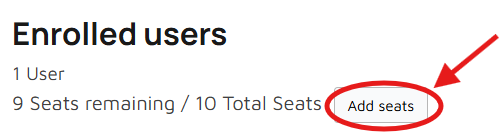
Open Learner Management and select your company. Under Enrolled Learners, choose Add Seats to increase the number of learners who can access the selected course.
Add Another Course
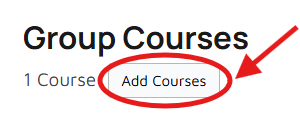
Open Learner Management and select your company. Under Company Courses, choose Add Courses to purchase and assign another course to your company.
Additional courses and seats will be added to your existing company after the order has been successfully completed. You do not need to create another company.
Select the training and number of learner seats your company requires. Once your order has been approved, your Company Training account will be created or your existing seat allocation will be updated.